

Crawl Budget for Ecommerce: Stop Wasting Googlebot on Filters

A 5,000 product store sounds small until you count the URLs. Add five filter facets, three sort options, pagination, and color variants, and Googlebot suddenly has half a million URLs to choose from. Most of that inventory has nothing you want in the index, and every request spent on it is a request not spent on the new SKU you launched this morning. This post covers the six ways ecommerce sites leak crawl budget and the fixes that hold up under real traffic.
Why Ecommerce Sites Waste Crawl Budget Differently
A content site has roughly one URL per unique page. An ecommerce site does not. Every product page can split into variants for size, color, and material. Every category page can split into filtered views, sort orders, and pagination. Every promotion can append a tracking parameter. By the time you add internal search and affiliate links, the URL count can be 50 to 100 times larger than the number of real pages that earn organic traffic.
Googlebot does not know which of those URLs are worth visiting. It discovers them through internal links, sitemaps, and external backlinks, then schedules crawls based on how often each one changes and how important it looks. If your site keeps pointing Googlebot at filter combinations, it keeps coming back to them. Meanwhile, your actual product pages sit in line.
The second complication is server load. Ecommerce platforms like Magento, Shopify Plus, and large WooCommerce builds are heavier than a blog. Cart, inventory, and personalization logic run on every request. When response times climb, Google reduces its crawl rate automatically. Google’s own guidance for large sites confirms that a slow server directly caps how many pages get fetched per day.
The cost compounds across the calendar. A new product launched on Monday might not get indexed until the following weekend. A seasonal collection going live three weeks before the season starts might miss the traffic window entirely. For a content site, a slow index is annoying. For a store, it is lost revenue.
If you are new to the topic, how crawl budget actually works covers the fundamentals. The rest of this post assumes you know the basics and want the playbook specific to ecommerce.
The Six Crawl Budget Killers on Ecommerce Sites

Every ecommerce site leaks in more or less the same places. The names of the files and the platforms change, but the shapes are the same.
Faceted Navigation Explosion
Faceted navigation lets shoppers narrow a category by size, color, brand, price range, and material. Each facet seems harmless on its own. The problem is the combinatorics. A jacket category with five facets and four options each produces 1,024 URL variations, and that is before you factor in sort order or pagination.
Most platforms link to every facet from the sidebar by default. Googlebot follows those links and indexes each result page as a distinct URL. From its perspective, category/jackets?color=red&size=m&brand=northface&sort=price is a different page than category/jackets?color=red&size=m&brand=northface. Multiply that across every category on the site and the URL count runs into the millions.
The fix is not to remove filters. Shoppers need them. The fix is to decide which combinations are worth exposing to search engines and treat the rest as a user feature only, invisible to bots.
Product Variant URLs
Many platforms give each color and size combination its own URL. A shirt available in ten colors across five sizes becomes fifty URLs, all with nearly identical content. Google sees fifty duplicates and spends fifty crawl requests on what should be a single product page.
Worse, variant URLs often compete with each other for the same query. A search for the shirt name can return any of the fifty, or none, because Google cannot decide which variant to rank.
Some variants deserve their own URL. If “red running shoes” has measurable search demand, the red variant can justify a standalone page. Most variants do not clear that bar and should consolidate into the parent product.
Internal Search and Sort Parameters
Internal search pages such as ?q=jacket generate an infinite URL space. Any query a shopper types becomes a crawlable URL if it gets linked from anywhere, including analytics dashboards or affiliate reports. Sort parameters do the same thing. ?sort=price_asc, ?sort=price_desc, ?sort=newest, and ?sort=popularity all produce distinct URLs that show the same content in a different order.
Googlebot does not care about the order. It cares that there are four URLs where one would do. If your platform also appends language or currency parameters, the count multiplies further.
Pagination Sequences on Category Pages
A category with 400 products and 20 products per page produces 20 paginated views. Page 1 might have value. Page 14 probably does not. The old rel=next/prev hint is no longer supported by Google as an indexing signal, so there is no simple way to tell it that these pages belong to a series.
Long pagination trails also create orphan products. A product that only appears on page 17 of a category gets discovered rarely. Googlebot might visit that page once a month, then forget about it until something else surfaces.
Out of Stock and Discontinued Products
Out of stock pages sit in an awkward middle ground. If you delete them, you lose the link equity they accumulated. If you keep them as 200 responses with an empty state, Googlebot keeps crawling them and wondering why they show nothing. If you return 404 too aggressively, you lose the chance to bring shoppers back when stock returns.
Discontinued products are worse. A site that churns through its catalog often ends up with thousands of dead URLs that still get linked from old category pages, email campaigns, and affiliate networks. Each one is a crawl request that produces no index value.
Session IDs and Tracking Parameters
?utm_source=, ?fbclid=, ?gclid=, ?affiliate_id=, and platform session tokens all create variants of the same page. If your product feeds include tracking codes in the URLs, every affiliate click creates a new URL in the wild. Googlebot finds them through backlinks and crawls them as if they were new content.
Ecommerce sites get hit harder by this than content sites because their marketing programs generate many more parameter variations, and those variations travel through emails, paid ads, and partner networks.
How to Audit Your Ecommerce Crawl Waste
You cannot fix what you cannot see. Before changing anything in robots.txt or canonical tags, map what Googlebot is actually doing on your site.
Start with a desktop crawler pointed at your own domain. If you are new to this kind of audit, what an SEO crawler actually does explains the underlying mechanics. A tool that respects robots.txt by default gives you a clean view of what is discoverable, including every filter link, every paginated page, and every variant URL. Compare that count against the number of unique products in your catalog. If the crawler finds 800,000 URLs and your database has 20,000 products, you know where to start looking.
Next, pull the XML sitemap and compare it against the crawl. Pages in the sitemap but missing from the crawl are orphaned. Pages in the crawl but missing from the sitemap are waste candidates. Both lists deserve attention.
Then open Google Search Console and check the Crawl Stats report under Settings. The report breaks down requests by purpose (discovery, refresh, error) and by response type. Watch for high numbers of redirects or server errors. Those are cheap wins. Full details on what the report shows live in the Search Console crawl stats documentation.
The most complete view comes from raw server logs. Filter to verified Googlebot traffic and look at which URLs get the most hits. On a typical ecommerce site, the 50 most crawled URLs will not match the 50 most important products. That mismatch is the crawl budget problem in numbers.
Here is a quick summary of what each method shows and what it misses.
| Method | Strengths | Blind spots |
|---|---|---|
| Desktop crawler | Full URL inventory, canonical checks, duplicate detection | Cannot tell you what Googlebot actually fetches |
| Search Console Crawl Stats | Real Googlebot activity, response codes, trends | Aggregated, delayed, sampled |
| Server log analysis | Exact Googlebot behavior, detail on every URL | Requires log access and parsing effort |
Running all three in parallel is the most reliable setup. If you only have time for one, start with a desktop crawl and layer Search Console on top.
Practical Fixes That Move the Needle
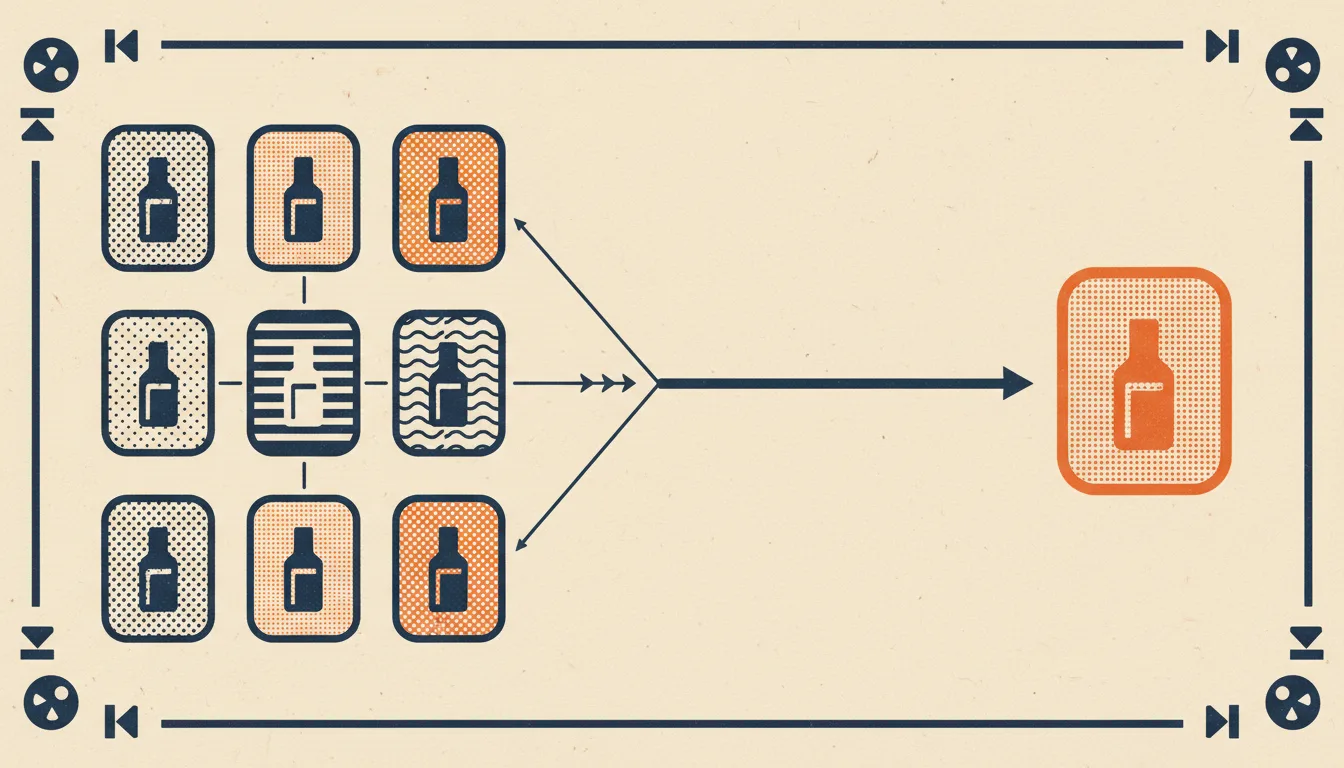
With the waste mapped, you can apply fixes in order of impact. Not every fix matters for every site. The order below reflects what tends to help most on a typical ecommerce catalog.
Design a Faceted Navigation Strategy
Start with your own analytics. Look at which filter combinations actually receive organic traffic. In most catalogs, a small number of facets drive almost all of the search value. “Red running shoes” and “waterproof hiking jackets” might get searches. “Medium red waterproof size 9 polyester shoes” does not.
Promote the combinations that earn traffic into dedicated landing pages. Give them their own URL, their own title and description, their own internal links, and a spot in the sitemap. Block the rest from crawl entirely. You can do this with robots.txt disallow rules targeting the parameter patterns, or by switching less important filters to AJAX that does not change the URL at all.
A middle option is to keep the URL but mark it as noindex, follow. That lets Google crawl the page to discover new products beneath it without adding it to the index. On large catalogs this still burns crawl budget, so disallow is usually the better choice for anything not earning traffic.
Handle Product Variants Cleanly
Pick a canonical variant for each product. The one most people buy, the neutral color, or the default size works well. Point every other variant URL to it with a rel="canonical" tag. This tells Google which variant to show in search and consolidates signals across all of them.
When a specific variant has genuine search demand of its own, give it a dedicated page with unique content. That content must justify the separate URL. A different color photo is not enough. A different use case, different sizing information, or different seasonal positioning can be.
For the rest, let the shopper pick the variant on a single product page using JavaScript. The URL stays stable, the crawler visits once, and the variant information lives in the same HTML.
Clean Your XML Sitemap for Ecommerce
Your sitemap should contain only products that are in stock, indexable, and canonical. Remove entries that redirect, return errors, or are blocked by robots.txt. Split the file by category if you are over 50,000 products per sitemap so the platform stays readable and lastmod dates stay meaningful.
Set lastmod based on real content changes. Regenerating the whole sitemap nightly with today’s date on every entry is a common mistake. Google learns to ignore dates that always move, so the signal loses all meaning.
If you have seasonal products, put them back in the sitemap the moment they are stocked again. The first crawl after that change is what decides whether the product catches the early season search traffic.
Link to Money Pages From Pages That Get Crawled
Internal links are the strongest signal you can send about which pages matter. Pages that Googlebot crawls often become hubs. Any page linked from a hub inherits some of that crawl priority.
Check your homepage, your top three categories, and your top ten products. Which pages do they link to? If a new launch is buried four clicks deep behind pagination, it will sit unindexed until an external signal lifts it. If the same launch is promoted from the homepage and the category page, it tends to be indexed within a day.
The simple rule: best sellers and new arrivals belong near the top of the pages Googlebot visits most. Breadcrumbs, related products, and editorial modules are all useful tools for spreading link equity. For deeper pattern analysis, the full technical SEO audit checklist covers the internal link checks worth running alongside crawl budget work.
How to Monitor After Cleanup
A cleanup only matters if it holds. Ecommerce catalogs change constantly. New products, new categories, new campaigns, and platform updates all create opportunities for fresh waste.
Watch your crawl stats weekly for the first month after any significant change. The metric to focus on is the ratio of successful responses to total requests. A healthy number sits well above 90 percent. A cleanup that reduced waste should move that ratio upward within two to three weeks as Google adjusts to the new site shape.
Track time to indexation for new product launches as a leading indicator. Publish the product, note the timestamp, and watch for it to appear in the index. Before cleanup, that might take days. After cleanup, it should happen within 24 to 48 hours on a typical store. If the number does not move, your fixes have not reached the pages that matter.
Run your desktop crawl again every month. New crawl waste has a way of creeping back in. A marketing team enables a new tracking parameter, a plugin adds a new filter, a migration leaves behind a redirect chain. The monthly audit catches these before they accumulate into months of wasted visits. For the cleanup workflows around leftover junk, how to find and fix broken links pairs naturally with the regular crawl audit.
Finally, set a quarterly deeper review. Rebuild the facet whitelist, recheck variant handling, reassess the sitemap, and confirm that your top products still sit where they should in the internal link graph. A quarterly pass keeps the cleanup from decaying into another audit project a year from now.
Frequently Asked Questions
How do I know if crawl budget is actually a problem for my store? Compare two numbers: the URL count a desktop crawler finds on your domain, and the number of unique products you sell. If the crawler returns 500,000 URLs for a 15,000 product catalog, the gap is crawl waste. Then check Search Console Crawl Stats for time spent on filter, sort, and parameter URLs. If most Googlebot requests land on URLs you would never want ranked, crawl budget is costing you indexation on the pages that matter.
Should I block faceted navigation with robots.txt or with noindex? For filter combinations that earn no organic traffic, robots.txt disallow is usually better on a large catalog because it stops the crawl before it happens and saves budget directly. noindex, follow still lets Googlebot fetch the page, which keeps burning requests even though the page never enters the index. Reserve noindex for cases where you need Google to keep following links through the page to discover products beneath it, and disallow the rest.
Does crawl budget even matter for a small ecommerce site? If your store has a few hundred products and a clean URL structure, Google can usually crawl everything it needs and crawl budget is not your bottleneck. The problem scales with URL count, not product count. A 300 product store with five facets, four sort options, and tracking parameters can still generate tens of thousands of crawlable URLs, so the math is worth checking even on a small catalog before you assume you are safe.
How long should it take Google to index a new product after I clean up crawl waste? On a typical store after cleanup, new products tend to get indexed within 24 to 48 hours, provided they are linked from pages Googlebot crawls often. Before cleanup that same product might wait days or weeks because it sits behind pagination or competes with thousands of filter URLs for attention. Track time to indexation for each launch as your leading indicator; if it does not improve, your fixes have not reached the pages that matter.
Will blocking filter and parameter URLs hurt my rankings? Not if you keep the combinations that earn traffic. The goal is not to remove filters for shoppers, it is to stop exposing low-value combinations to search engines. Promote the facets with real search demand into dedicated, indexable landing pages, and block the rest. Done this way, you concentrate ranking signals on fewer, stronger URLs instead of splitting them across thousands of near-duplicates. Run the audit first so you block waste, not pages that were quietly bringing in sales.
Conclusion
Ecommerce crawl budget is a structural problem, not a single bug. The waste comes from the shape of the platform, the marketing programs attached to it, and the way shoppers need to browse. None of that goes away. What changes is whether you are working with the shape or against it.
Start with the audit. Find the six killers in your own catalog and write down how many URLs each one is generating. Fix the biggest leaks first. Revisit the cleanup on a monthly cadence so the next migration or campaign does not undo the work. Over a year, the compound effect is the difference between new products getting indexed the same day and new products waiting in line for weeks.
If you want a local tool for the audit part, Seodisias runs on your machine without a URL cap, which matters when your catalog has half a million URLs waiting to be checked. Pair it with log analysis and a quarterly review, and crawl budget moves from an invisible drain to a number you can actually manage.
Looking for something else?
Search every guide on the blog without going back to the list.