

What Are Redirect Chains and How to Fix Them
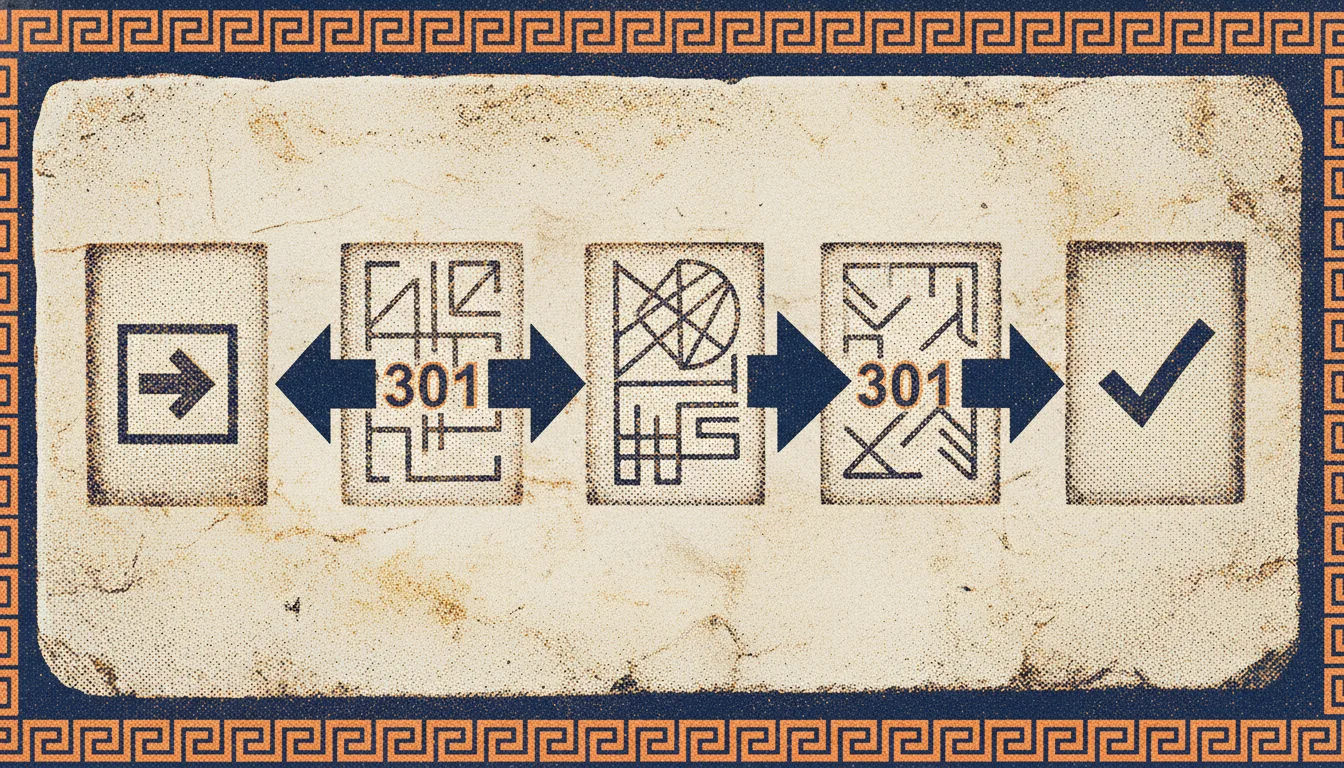
Every time a page on your website responds with a redirect, the browser makes an extra request to follow it. One redirect is barely noticeable. Two redirects chained together start to slow things down. Five redirects in a row become a real problem for users, search engines, and your SEO.
A redirect chain is a sequence of redirects where a URL points to another URL, which points to another, and so on. They build up slowly over the life of a website and most owners never notice them until an audit turns them up. This guide explains what redirect chains are, why search engines care about them, how to detect them on your site, and how to fix them for good.
What Is a Redirect Chain?
A redirect tells a browser or search engine that a resource has moved from one URL to another. The server responds with a status code like 301 (permanent) or 302 (temporary), along with a Location header pointing to the new URL. The client then follows that header and requests the new location.
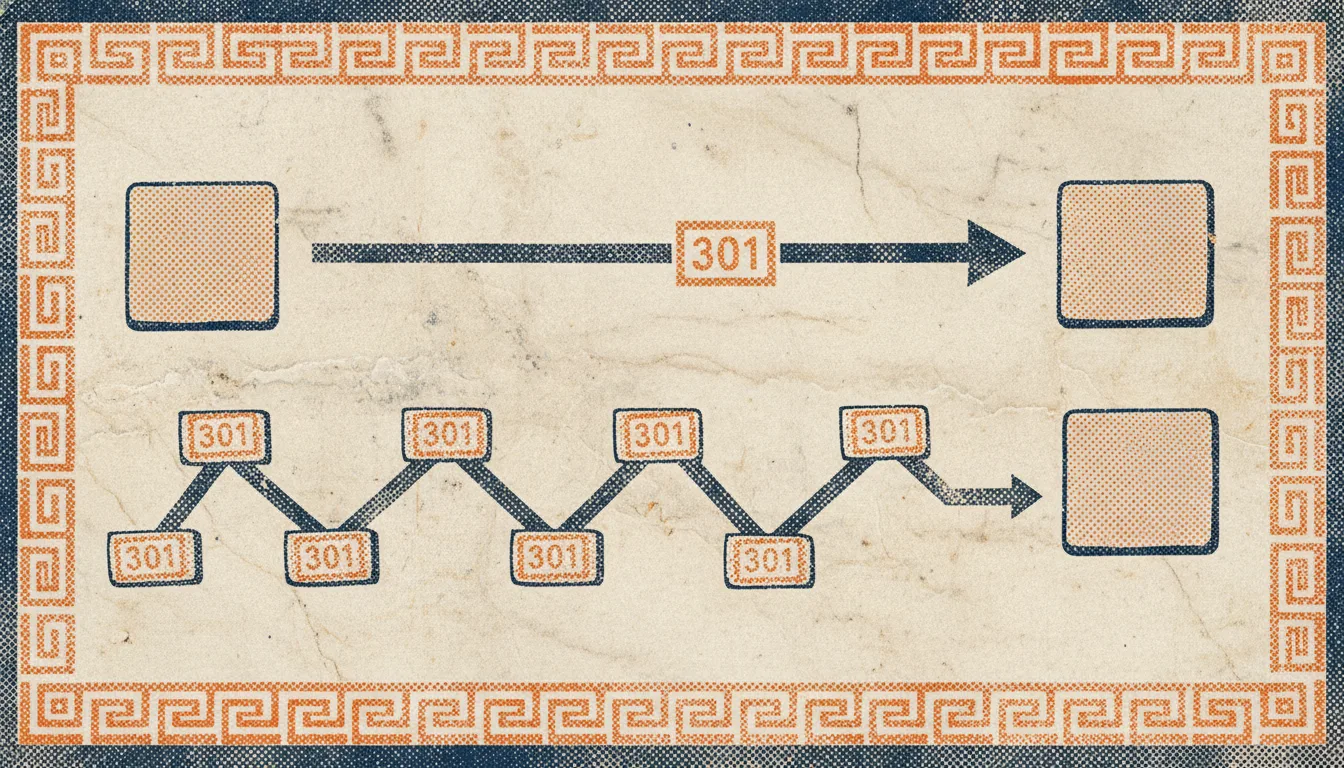
A redirect chain happens when the destination of one redirect is itself a redirect. Instead of going from URL A to URL B in one step, the request has to travel through multiple intermediate URLs before reaching its final destination.
Here is what a clean redirect looks like:
GET /old-page → 301 → /new-page → 200 OKAnd here is what a chain looks like:
GET /old-page → 301 → /intermediate-page → 301 → /another-intermediate → 301 → /final-page → 200 OKThe final page is the same in both cases. The difference is the number of hops it takes to get there. Each hop is an extra round trip between the client and your server.
Most redirect chains involve 301 redirects because those are the most common type used for permanent moves. But chains can also mix 301 and 302, or even include HTTP to HTTPS upgrades in the middle. A chain does not have to be pure 301 to count as a problem.
A closely related concept is the redirect loop, where a URL eventually redirects back to itself or to an earlier URL in the chain. Loops are worse than chains because they never terminate. Browsers and crawlers give up after a fixed number of hops and return an error. Chains and loops share the same root causes and the same fix process, so we treat them together in this guide.
How Redirect Chains Form
Chains are never created deliberately. They emerge as a byproduct of other changes. Understanding how they form helps you avoid creating new ones after you fix the existing ones.
Site migrations
The most common cause is a site migration. When you move from one URL structure to another, you set up 301 redirects to send old URLs to their new equivalents. A year later, you migrate again, maybe to a new CMS or a new domain. You add fresh 301 redirects from the previous URLs to the latest ones. But if the first set of redirects is still in place, the original URLs now point to the middle URLs, which then point to the final URLs. A chain is born.
Changing slugs
Editorial teams often update blog post slugs to improve clarity or fix typos. Each update creates a new 301 from the old slug to the new one. Over time, a post that has been renamed three times has a chain of three redirects pointing to its current URL.
Trailing slash and protocol changes
A common source of invisible chains is trailing slash enforcement combined with HTTPS enforcement. A request to http://example.com/page may first redirect to http://example.com/page/, then to https://example.com/page/, then to the canonical URL. Three hops for what should be one.
Servers and CDNs often apply these rewrites in separate rules rather than a single combined rule. Each rule fires in sequence, adding a hop.
Domain changes
When a site moves from a subdomain (blog.example.com) to a subfolder (example.com/blog), all the old subdomain URLs redirect to the new subfolder URLs. If the subfolder URLs later get their own redirects for any reason, the subdomain requests inherit a chain of two hops.
Third party plugins
SEO plugins and redirect manager plugins sometimes add their own rules on top of existing server level redirects. Without coordination, these rules can stack. A visitor sees the final page, but the request travels through multiple layers of plugin and server rewrites first.
The SEO Impact of Redirect Chains
Search engines and crawlers treat redirect chains as an SEO problem for several reasons.
Wasted crawl budget
Every URL a crawler visits, including intermediate redirect hops, counts against the crawl budget search engines allocate to your site. For small sites this rarely matters. For large sites with thousands of pages, chains eat into the budget that should be spent crawling real content. A crawler that encounters a chain of five redirects has to make five requests to reach one final page, which means four requests that could have been used elsewhere.
For more on this topic, see our guide to optimizing your crawl budget.
Link equity loss
Each 301 redirect passes most of the link equity from the old URL to the new one. But most is not all. Google has stated that redirects pass PageRank with minimal loss, and that minimal loss is still real. Over a chain of five redirects, the cumulative leakage can become noticeable, especially for pages with significant backlinks.
Slower page load
For users, every extra redirect means an extra round trip to your server. On a fast connection from the same region, this is measured in tens of milliseconds per hop. On a slow mobile connection from the other side of the world, each hop can add hundreds of milliseconds. A chain of three hops can easily add up to a second of extra load time, which affects Core Web Vitals and user experience.
Potential for errors
Long chains are more likely to contain a broken link in the middle. If any intermediate URL returns a 404 or a 500, the entire chain breaks and the user or crawler never reaches the final page. This is how redirect chains quietly turn into broken link problems that do not show up until someone audits them. The overlap with broken links is covered in our guide to finding and fixing broken links.
Google’s limits
Google has stated publicly that it will follow up to 10 redirect hops before giving up on a URL. Other search engines may have lower limits. If your chain is too long, the crawler may abandon it before reaching the destination. The destination page then never gets crawled, never gets indexed, and never ranks.
How to Find Redirect Chains
Finding redirect chains requires a tool that follows every URL on your site and records the full chain of responses. Manual inspection is impractical for any site with more than a handful of pages.
What to look for
A good detection report should tell you three things for every redirected URL:
- The starting URL
- The full chain of intermediate URLs with their status codes
- The final URL and its status code
Any entry with more than one hop in the chain is a candidate for fixing. Any entry where the final status is not 200 is a broken chain and needs immediate attention.
Using a crawler
Most technical SEO auditing uses a crawler that walks the site from the homepage and follows every link it finds. As it encounters redirects, it records the chain and reports it in a structured way. You can then filter the report to show only URLs with chains longer than one hop.
Seodisias handles this as part of its standard crawl. Its Redirection Monitoring feature tracks both temporary and permanent redirects and flags chains automatically. Because the crawl runs locally, there is no URL limit and no sign up, which matters when you are auditing a large site.
For a broader audit, see our complete technical SEO audit checklist.
Checking specific URLs
When you want to verify a single URL without a full crawl, the curl command line tool is the fastest option:
curl -Is -L https://example.com/old-pageThe -I flag requests headers only, -s silences progress output, and -L follows redirects. The output shows every intermediate response in sequence:
HTTP/1.1 301 Moved Permanently
Location: https://example.com/intermediate-page

HTTP/1.1 301 Moved Permanently
Location: https://example.com/another-page

HTTP/1.1 200 OK
Count the number of 3xx responses. That is your chain length.
Using server logs
Server logs can show you the real traffic pattern of redirects on your site. Grep the access log for 301 and 302 responses and look for any client that hits multiple redirects in sequence. This approach surfaces only chains that real users or bots actually traverse, which can be a useful prioritization signal. However, it tells you nothing about chains that exist but are not being traversed. A full crawl is still the authoritative source.
How to Fix Redirect Chains
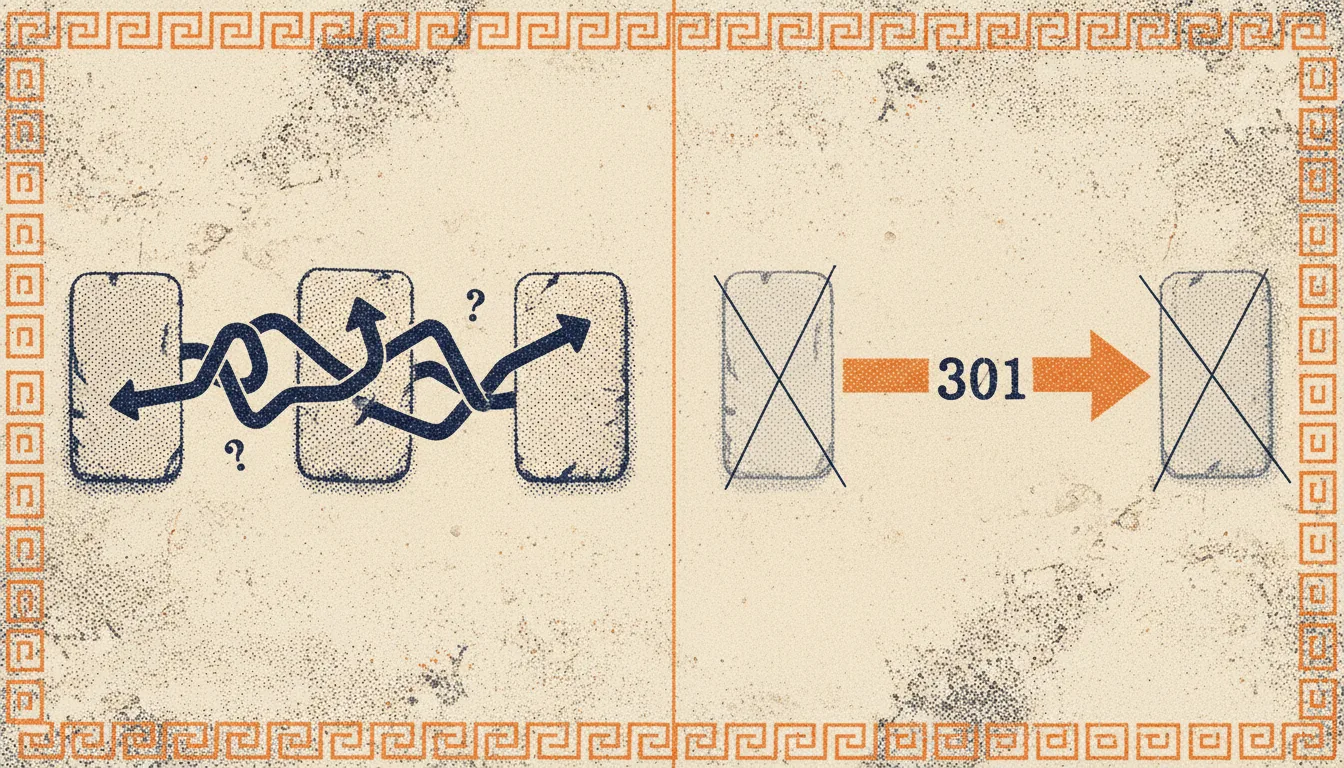
Fixing a chain means replacing it with a direct redirect from the original URL to the final destination. The intermediate hops are removed.
The general rule
For every chain of redirects, add a new direct redirect that sends the original URL to the final destination in one hop. You do not need to remove the intermediate redirects from your configuration, although doing so keeps the redirect map cleaner. The important thing is that the original URL now points directly to the final URL.
Example
Suppose your chain looks like this:
/article-2019 → 301 → /blog/article-2019 → 301 → /blog/article-title → 200The fix is to add a redirect that points /article-2019 directly to /blog/article-title. The middle hop becomes obsolete for any user or crawler starting from /article-2019.
/article-2019 → 301 → /blog/article-title → 200You can then decide whether to keep or remove the /blog/article-2019 intermediate redirect. Keep it if other pages or external sites still point to it. Remove it if nothing references it anymore.
Fixing chains in common server configurations
The syntax varies by platform. For Apache, redirects live in .htaccess or the main configuration:
Redirect 301 /article-2019 /blog/article-titleFor Nginx, they live in a server block:
location = /article-2019 {
  return 301 /blog/article-title;
}
For WordPress, most SEO plugins expose a redirect manager that lets you add rules through the admin interface. For a static site or a CDN, the platform you use typically has a rewrites or redirects configuration file. Check the documentation for your platform.
Fixing chains caused by trailing slash and HTTPS
If your chain is the result of multiple server level rules firing in sequence, the fix is to collapse those rules into a single rule that handles both the protocol upgrade and the slash normalization in one step. This usually requires editing the server configuration rather than adding more redirects on top.
Prevention
Once you have cleaned up existing chains, prevent new ones by following three habits:
- When you add a new redirect, always check whether the destination is itself a redirect. If it is, redirect to the final destination instead.
- When you update a page slug or URL structure, update existing redirects at the same time so they point to the new URL directly.
- Run a regular audit, monthly or quarterly, to catch chains that slipped through.
These three habits keep your redirect map clean without requiring a full cleanup every year.
See Google Search Central’s documentation on redirects for more on how Google handles 301 responses, and MDN’s reference on HTTP 301 for the technical details.
Conclusion
Redirect chains accumulate quietly over time. A fresh site has none. A site that has been through a few migrations, a CMS change, and a handful of editorial slug updates can have hundreds of them. The good news is that fixing them is mechanical once you have the data in front of you.
Start by running a full crawl of your site and filtering the output for any URL with more than one redirect hop. Prioritize chains on pages that matter most: high traffic pages, pages with good backlinks, and pages that appear in your XML sitemap. Fix those first, then work through the rest on a quarterly basis.
If you need a tool to run the crawl, download Seodisias for free. It works locally, has no URL limits, and surfaces redirect chains as part of its standard crawl output.
Looking for something else?
Search every guide on the blog without going back to the list.